
1. Add account Balance :
First you need to add "Account Balance" to your account.
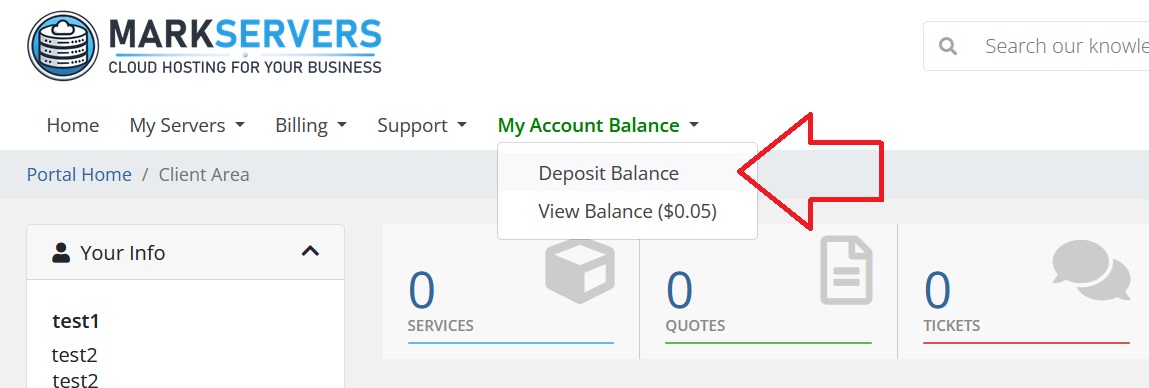
After login, click on "My Account Balance" > "Deposit Balance".
Choose any option, and pay using crypto.
Wait few minutes (~10 minutes) for automatic payment confirmation.
You can see your credited balance here : "My Account Balance" > "View Balance".
2. Purchase invoices using account balance :
Click on invoice you want to pay, scroll down, you will see green box with big title (Apply Credit).
Click on "Apply Credit" next to amount you are going to pay.
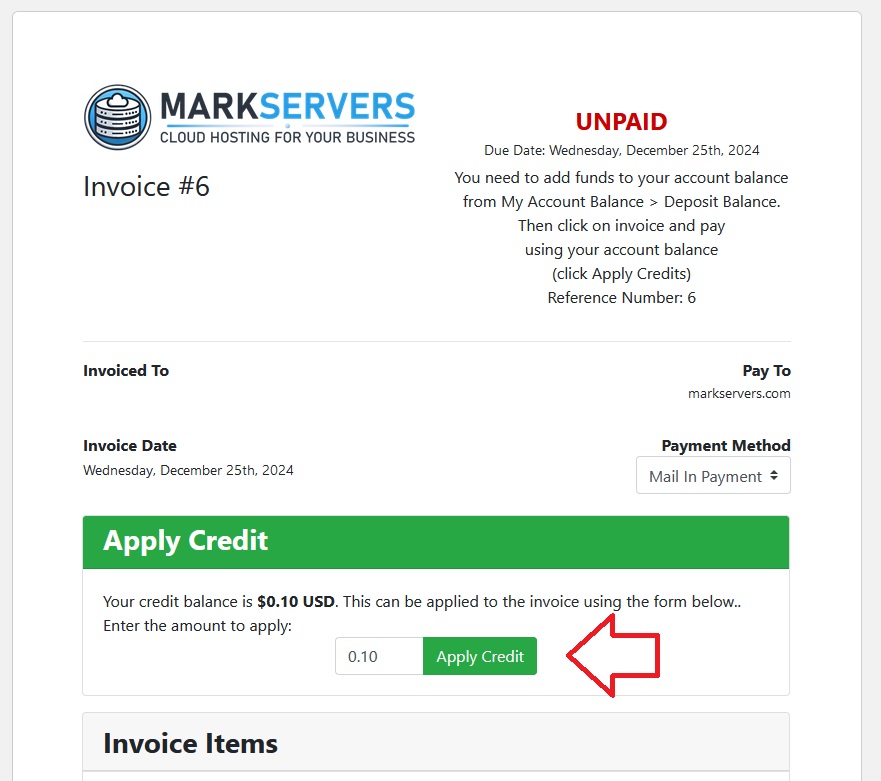
Your order will be marked as paid and cPanel hosting will be activated.